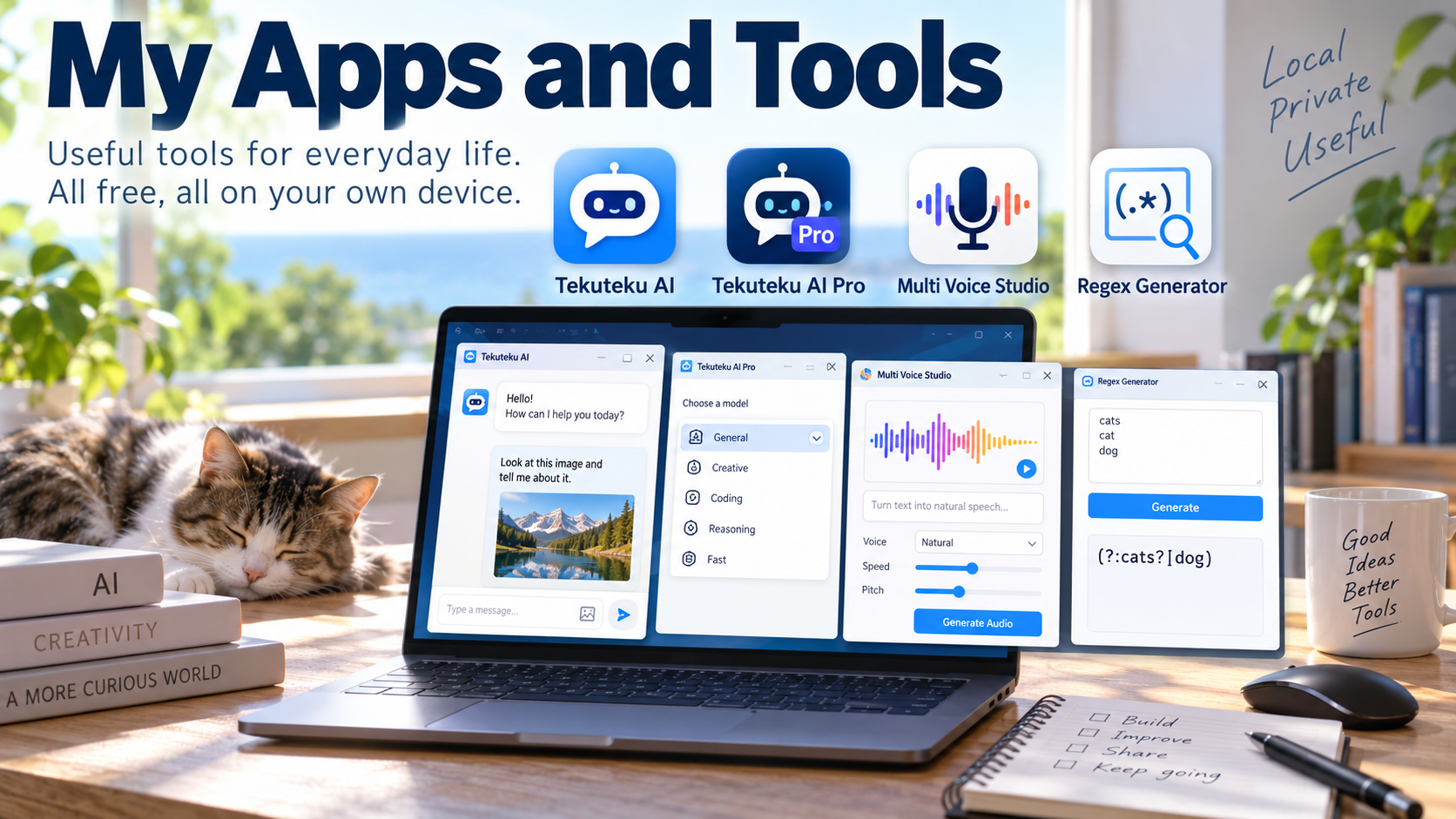
This is a list of the apps and tools I have built and released so far. All of them are free to use.
Windows Apps
Available from the Microsoft Store. All processing happens on your own PC.
Tekuteku AI
An AI chat app that works with no setup. The AI model is built in, so you can start a conversation as soon as the app is installed. Everything runs on your PC, and nothing you say is sent anywhere else. Besides text chat, it can read an image and talk with you about what is in it.
Tekuteku AI Pro
An AI assistant that runs entirely on your PC. The AI model ships with the app, so you can start chatting without an internet connection. Conversations and history are stored only on your device and are never sent out. You can switch between chat models to suit the task and your PC’s performance.
Multi Voice Studio
A text-to-speech app that turns writing into audio. It comes with two local engines that work offline, and you can also choose cloud voices from ElevenLabs, Google and Microsoft (cloud voices require your own API key). It can create a voice from a description in words, read text in your own registered voice, and save the result as WAV or MP3.
Browser Tools
No installation or sign-up needed. These tools run entirely inside the page you open, and nothing you type is sent anywhere.
Regex Generator
Paste words or phrases, one per line, and it builds a regular expression that matches any of them. Special characters are escaped and shared parts are merged into a shorter pattern automatically. Available in 21 languages.
For example, entering “cats”, “cat” and “dog” gives (?:cats?|dog).
What’s Next
New apps and tools will be added to this page as I make them. If you run into trouble with any of them, or have an idea for something you would like to see, please let me know in the comments.


コメント