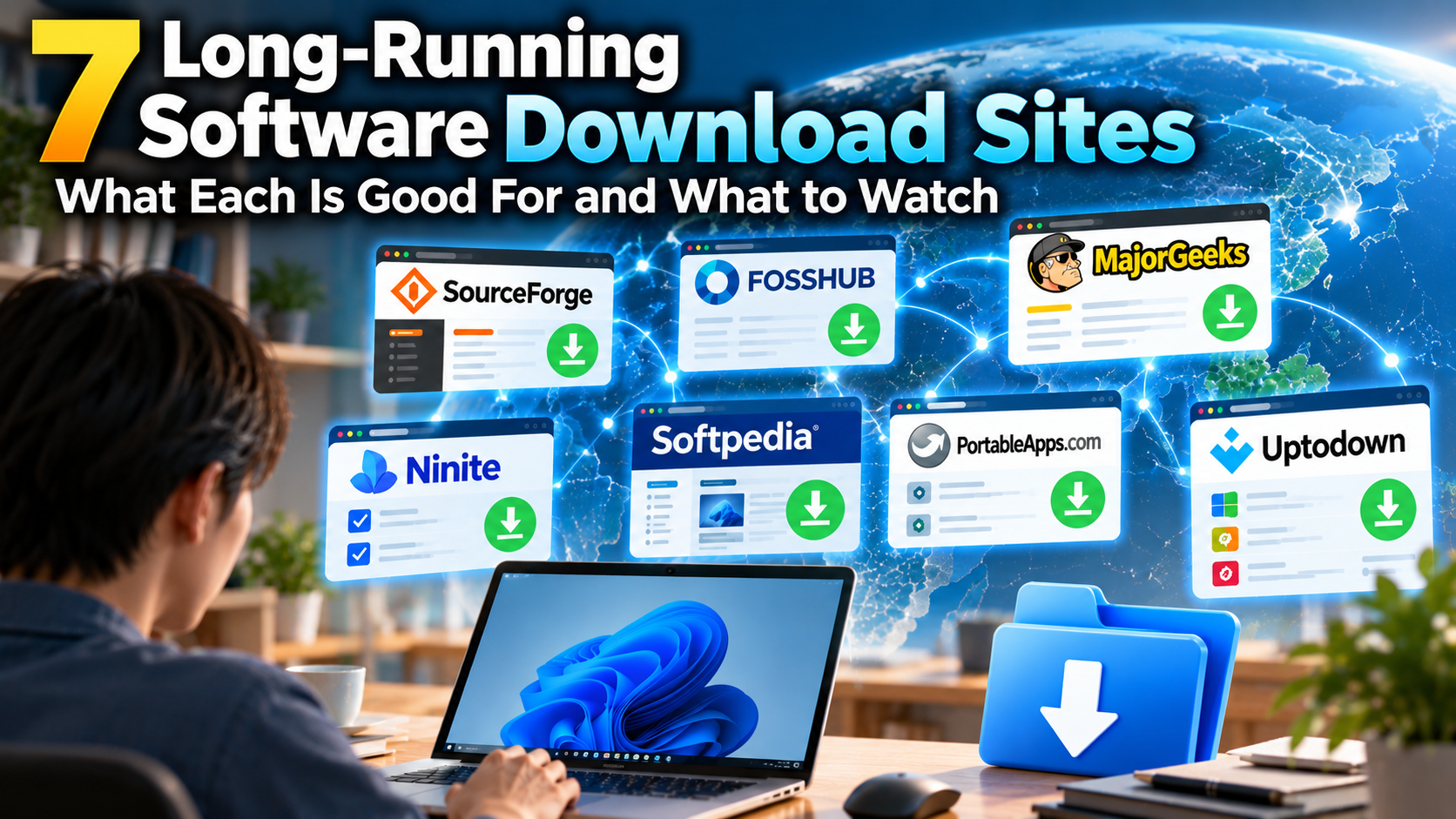
When you look for free Windows software, you often end up with something that never made it onto the big mainstream sites. Small tools from independent developers and fast-moving open source projects tend to live on the specialist download sites instead. This page covers seven of the long-running ones, and for each it explains what the site is, what it is good for, and what to watch out for.
The seven are SourceForge, FossHub, MajorGeeks, Ninite, Softpedia, PortableApps.com and Uptodown. All of them are free to use.
SourceForge
SourceForge has been around since 1999, which makes it the oldest home for open source software on this list. Developers keep their project files there, and you download from the project’s page. Well-known programs such as GIMP and Audacity once used it as their official download location.
It is good for older open source software and for small tools that a single developer publishes quietly. Project pages usually keep past releases, so it is also a place to look when you need an old version.
What to watch out for is the site’s history. Around 2015, SourceForge wrapped some downloads in its own installer that added extra software you had not asked for. The Windows build of GIMP was caught up in this, and it is the reason the GIMP team left. The practice was dropped after the site changed owners in 2016, and files are now scanned for malware, but knowing the story changes how you look at the download page. Advertising buttons sometimes sit close to the real download button, so check what is around a button before you click it.
FossHub
FossHub is a small site that lists only open source software. Its policy is to leave files untouched, never bundle anything, and host exactly what the developers send in. Clicking the download button gives you the file directly, which is rare these days.
It is good for getting well-known open source programs with nothing extra attached. Video, audio, archiving and utility software make up much of the catalogue, and some developers point to FossHub as their download location.
What to watch out for is the size of the catalogue: it is not a place where you will find everything. In 2016 the site was also broken into, and for a few hours some installers were swapped for fake ones. It was fixed quickly, and the site has published the details on its about page since then. That openness is a point in its favour.
MajorGeeks
MajorGeeks is a freeware site that a small team has run since 2001. It looks like it did years ago and does not pretend otherwise. The people behind it try the programs before listing them, so the catalogue is selected rather than exhaustive.
It is good for Windows system tools: drivers, disk management, repair utilities and all sorts of small helpers. When you find yourself thinking “is there a tool for this?”, it is a sensible first stop.
What to watch out for is the old layout, which makes advertisements and download links hard to tell apart until you get used to it. The text links under a program’s name, such as “Download@MajorGeeks”, are the safe ones.
Ninite
Ninite works differently from the rest. Instead of searching for programs one at a time, you tick the ones you want from a single page of popular free software, download one small installer, and run it. Everything you ticked gets installed in one go.
Each program is fetched from its publisher’s official site and checked against its signature or hash before it runs. Toolbars and similar extras are refused automatically, and you are not asked any yes/no questions during installation. It is good for a fresh Windows install, when you want a browser, an archiver, a media player and the other basics all at once. Run the same installer again later and it updates the whole set.
What to watch out for is the limit on choice: you can only pick from the list, and you cannot choose versions. It is not the place for obscure programs or old releases. The free version is meant for personal use; a paid Pro version exists for people managing many PCs.
Softpedia
Softpedia is a large download site that started in Romania in 2001. It covers Windows, Mac, Linux, Android and drivers, and by sheer number of listings it is the biggest of the seven. Each program has a write-up from the site’s editors, and the update date and supported versions of Windows are shown in the listing.
It is good for finding the download page of a program you already know by name, and for tracking down old versions. Files for programs that stopped being updated are often still there, so it is a useful last resort.
What to watch out for is the amount of advertising, and the fact that a catalogue this size is a mixed bag. The download button itself is easy to find, but read the description and check the developer’s name to make sure the page is for the program you actually want.
PortableApps.com
PortableApps.com collects “portable” versions of Windows programs that run without being installed. The idea is to keep them on a USB stick, an external drive or a synced cloud folder and use them on any PC with your settings intact. The launcher that ties them together, the PortableApps.com Platform, is open source.
It is good for using software on a PC that is not yours, at work or at school, and for anyone who prefers not to clutter their system with installations. GIMP, LibreOffice, Firefox and many other well-known programs are available as portable versions, and the launcher can update them together.
What to watch out for: portable versions can lag a little behind the regular releases, and while they do not need administrator rights, some programs lose features as a result. Clicking a download button may send you to SourceForge, where the file is actually hosted, so do not be surprised by that.
Uptodown
Uptodown is based in Málaga, Spain, and started in 2002. It began with Windows software and is now best known as an Android app store, but it still carries Windows programs. The site is available in many languages.
It is good for software you use on both a PC and a phone, and for old versions. Past releases are listed for each program, so you can step back to the previous one if the latest update breaks something. Files are scanned with VirusTotal and the results are shown on the page.
What to watch out for is that the site is Android first, so the coverage of small Windows tools is thin. It also carries a lot of advertising; use the download button next to the program’s name.
Things that apply to all of them
A few points hold for every site here.
Assume there are advertisements near the download button. Some ads on these sites are shaped like a button and say “Download”, and they look a lot like the real thing. Before clicking, look for the words “Ad” or “Sponsored” close to the button. That habit prevents most mistakes.
Before running a file you have downloaded, open its properties and see whether it has a “Digital Signatures” tab. Plenty of software is unsigned, and that alone does not mean anything is wrong, but a well-known program without a signature is a reason to pause.
And if the program has an official website, the surest way is to download from there. The sites on this page are the second option: for when you cannot find the official site, when you need an old version, or when you want to install several things at once.


コメント